 Pay AlertDownload for iPhone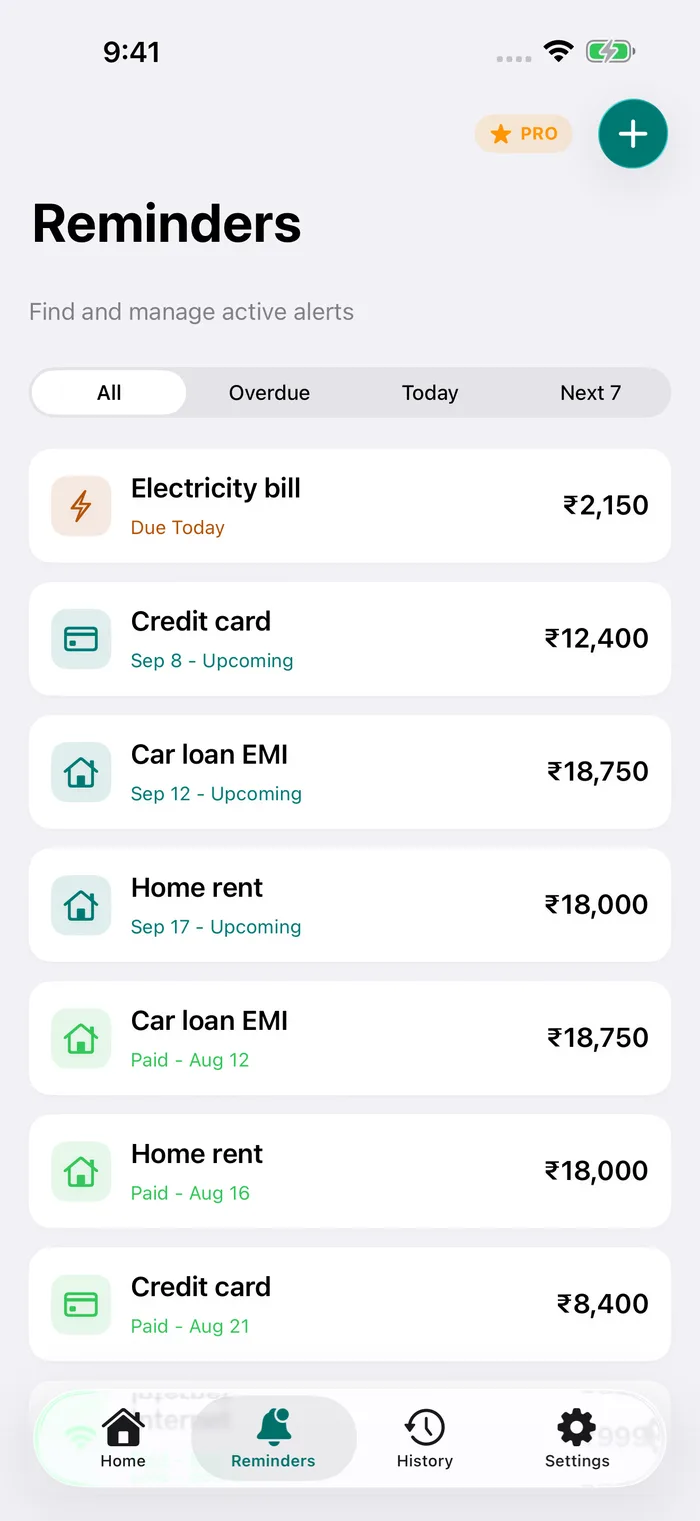
Statement date and due date are not the same
Your card issuer generates a statement on the same day each month. The payment due date comes a couple of weeks later. The exact gap depends on your issuer and card, so check it on your statement or in your card’s app.
The due date is the one to remember. It usually falls on the same day every month, which makes it a good fit for a monthly reminder.
Total amount due or minimum amount due
The total amount due clears everything on the statement. The minimum amount due is the smallest payment that keeps the account from being treated as late.
Paying only the minimum generally means the unpaid balance attracts interest, and new purchases can lose their interest-free period until the balance is cleared. Your card’s most important terms and conditions (MITC) explain exactly how your issuer calculates this.
What happens if you pay late
A late payment can bring a late payment fee, interest on the outstanding amount and, if it stays unpaid, a mark on your credit report. In India, the RBI’s 2022 credit card directions say issuers should levy late payment charges or report an account as past due only once it has been past due for more than three days. Treat that as a safety margin, not a plan. The due date is still the date that counts.
A reminder schedule that works
- 5 days before: open the statement and make sure the money is in the account you pay from.
- 1 day before: pay if you have not already. Some payment methods take time to reach the card account.
- On the due date: a last check.
If you use several cards, add each one separately with its own due date. Pay Alert’s Home screen shows what is overdue, due today and coming up, so the next card to pay is always at the top.
Pay later accounts work the same way
Buy now, pay later accounts also bill once a month with a fixed due date. Add them to Pay Alert just like a credit card.
Set it up in Pay Alert
- Tap + and give the bill a short name, for example “Travel card ••4321”.
- Enter the amount from your statement and the due date.
- Turn on Recurring monthly. Marking this month as paid creates next month’s entry automatically.
- In Settings → Notifications, choose your Reminder time and the Scheduled alerts you want: 5, 3 or 1 day before, on the due date and every day once overdue.
- When you pay, tap Mark as Paid. It moves to your payment history, grouped by month.
Cards and accounts people track
- HDFC Bank credit cards
- SBI Card
- ICICI Bank credit cards
- Axis Bank credit cards
- Kotak credit cards
- IndusInd Bank credit cards
- Yes Bank credit cards
- IDFC FIRST credit cards
- RBL Bank credit cards
- American Express
- OneCard
- Amazon Pay Later
- Simpl
Pay Alert does not connect to these providers, read your SMS or make payments. You add the name, amount and due date yourself, and reminders are scheduled on your iPhone.
Questions
Does Pay Alert connect to my credit card or read bank SMS?
No. You add the due date and amount yourself. Pay Alert never asks for card numbers, bank logins or SMS access.
Can I track more than one card?
Yes. Add each card as its own bill with its own due date and amount, and each one gets reminders.
Do reminders work without internet?
Yes. Reminders are scheduled on your iPhone, so they arrive offline too, as long as notifications are allowed for Pay Alert.
Can Pay Alert pay the bill for me?
No. Pay Alert only reminds you. Pay through your bank, UPI app or card issuer as usual, then mark the bill as paid to keep a history.