 Pay AlertDownload for iPhone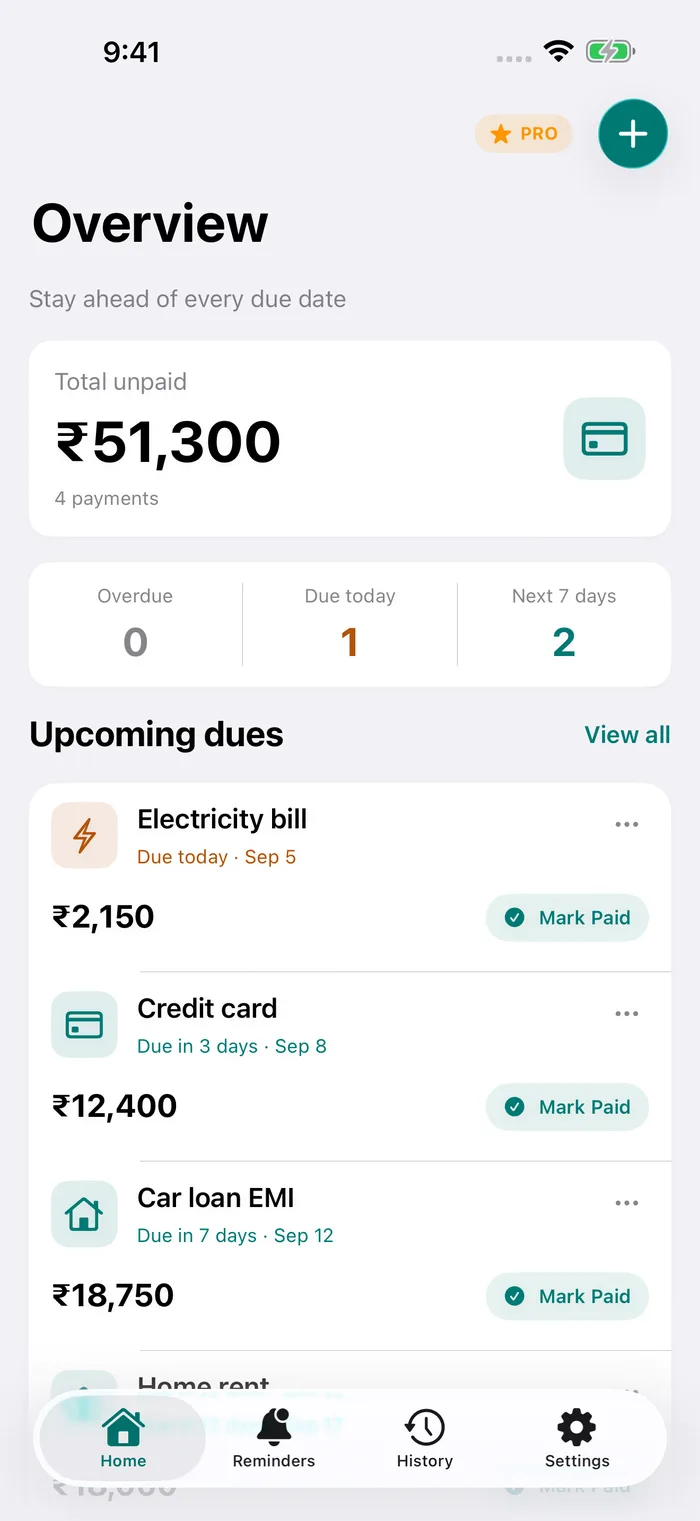
How EMIs are usually collected
Most banks and lenders collect EMIs through an auto-debit mandate (NACH or e-mandate) on a fixed date each month. The debit only works if your account has enough balance on that day.
If it does not, the debit is returned. Lenders typically add a bounce or penal charge, your bank may charge its own fee for the returned mandate, and a missed EMI can show up in your credit report. The amounts vary by lender and are listed in your loan agreement or key fact statement.
Why a reminder helps, even with auto-debit
- Salary and EMI dates do not always line up, especially when payday moves for a weekend or holiday.
- Money often sits in a different account from the one the mandate uses.
- Several loans can fall in the same week. A home loan, car loan and personal loan together add up.
A reminder a few days before gives you time to move money into the right account.
Loans without a mandate
Some repayments are not auto-debited at all: gold loan interest paid at a branch or online, a loan from a small lender, or money borrowed from family. For these, a reminder is the only thing between you and a missed payment.
Track the loan, not just the date
Pay Alert lets you record each loan’s EMI amount and interest rate. Marking an EMI as paid adds it to your payment history, grouped by month, and Settings → Export Data saves your records as a CSV file.
Not sure what your EMI will be? Try the EMI calculator.
Set it up in Pay Alert
- Tap + and give the bill a short name, for example “Home loan – SBI”.
- Enter the EMI amount and the due date.
- Turn on Recurring monthly. Marking this month as paid creates next month’s entry automatically.
- In Settings → Notifications, choose your Reminder time and the Scheduled alerts you want: 5, 3 or 1 day before, on the due date and every day once overdue.
- When you pay, tap Mark as Paid. It moves to your payment history, grouped by month.
Loans people track
- Home loans
- Personal loans
- Car and two-wheeler loans
- Education loans
- Gold loan interest
- Consumer durable EMIs
- No-cost EMI purchases
- HDFC Bank
- SBI
- ICICI Bank
- Axis Bank
- Kotak Mahindra Bank
- Bajaj Finserv
- Tata Capital
- LIC Housing Finance
- Muthoot Finance
Pay Alert does not connect to these providers, read your SMS or make payments. You add the name, amount and due date yourself, and reminders are scheduled on your iPhone.
Questions
When should I get an EMI reminder?
Three to five days before the debit date gives you time to move money. A reminder the day before is a good final check.
My EMI date changed. Can I update it?
Yes. Edit the bill, change the due date and save. Its reminders follow the new date.
Does Pay Alert know my loan balance?
No. Pay Alert does not connect to your lender. It stores the EMI amount, interest rate and due date you enter, on your iPhone.
Can I track no-cost EMI purchases?
Yes. Add each purchase EMI as a monthly bill and mark it paid each month until it ends.